
뒤로
How to update Mobile Fence to the latest version
Last updated :
How to update to the latest version of Mobile Fence
1) If "Block Play Store" is enabled in your child's rule settings, temporarily disable it.

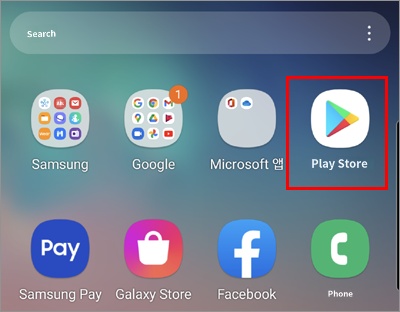
2) On the child's device you wish to update → Launch the Play Store app
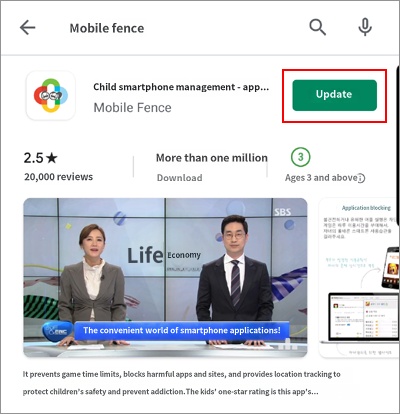
3) Search for 'Mobile Fence' → Click the Update button
We also recommend enabling "Auto-update" settings so that Mobile Fence is always kept up to date without needing manual updates every time.
• Related topic: How to set up Mobile Fence app auto-update
• Related topic: How to set up Mobile Fence app auto-update

