뒤로
How to block specific text strings in SMS
Last updated :
Mobile Fence does not provide a service to block incoming/outgoing text messages.
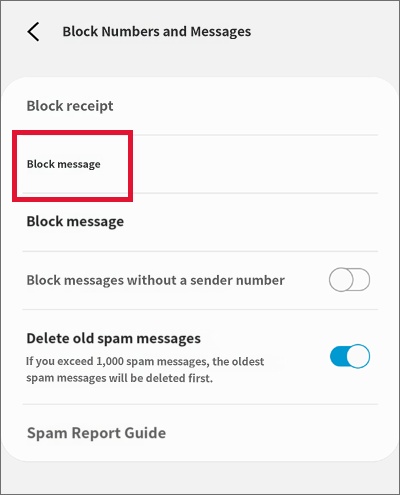
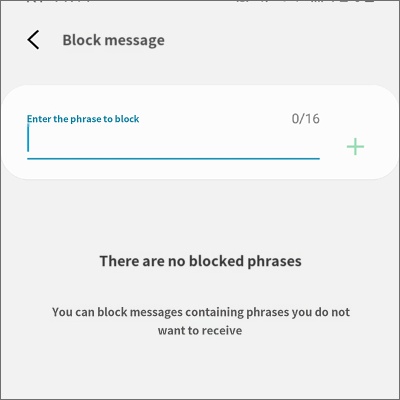
However, you can block messages by using the 'Block phrases' feature provided in the default Messages app as follows.
Note that only 'incoming messages' can be blocked; 'outgoing messages' cannot be blocked.
Child's device Messages app → Settings → Block messages → Block phrases → Register phrases to block
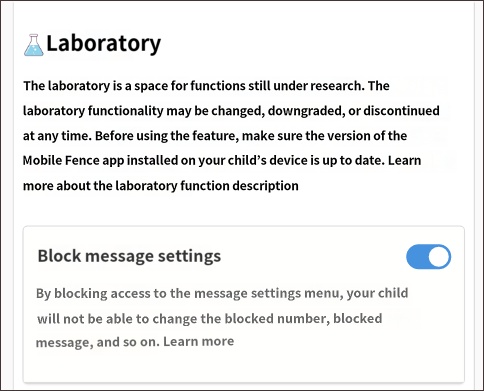
After configuring the above settings, you must enable "Block Message Settings" in Mobile Fence to prevent your child from accessing the message settings and changing the blocked phrases set by the parent.
Rules → Apps → Labs → Enable Block Message Settings