뒤로
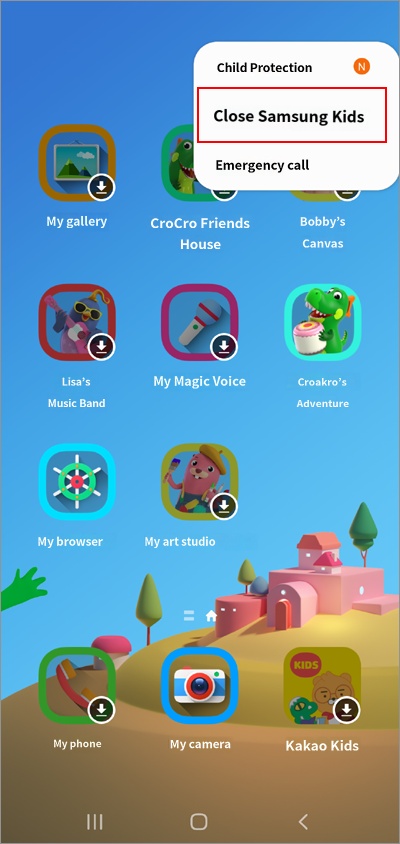
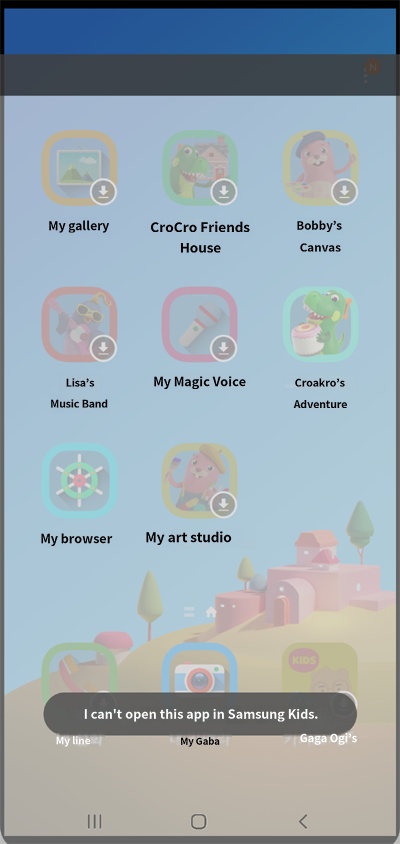
If Samsung Kids "Exit" is not working
Last updated :
We do not recommend using Kids Home because "Blocking Settings" conflicts with the Kids Home exit function.
If you cannot "Exit" after entering Kids Home, please stop the Mobile Fence app service first, then press Exit.
1. Turn off Mobile Fence service
1) Log in to the parent device Mobile Fence
2) Click Child Monitoring/Rule Settings
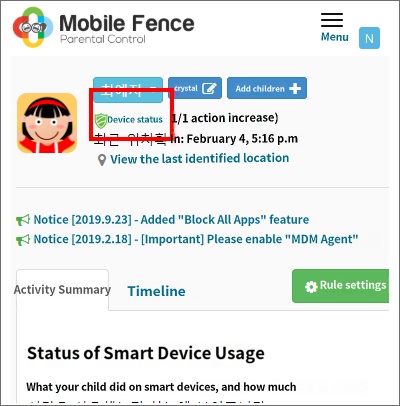
3) Click "Device Status" on the child profile at the top
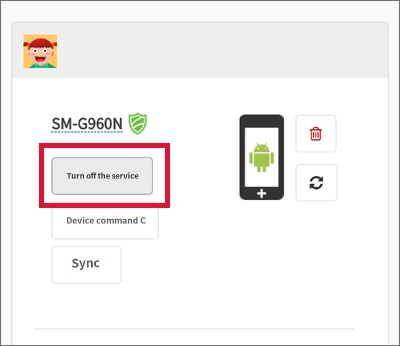
4) Select "Turn off service" for the child profile
2) Click Child Monitoring/Rule Settings
3) Click "Device Status" on the child profile at the top
4) Select "Turn off service" for the child profile
2. Press Close Samsung Kids