
"Block execution, allow execution, and always allow" feature description
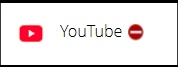
Block Execution
The app will remain blocked until you unblock it. If an app is harmful or you do not want it to be used, you can set it to "Block Execution."
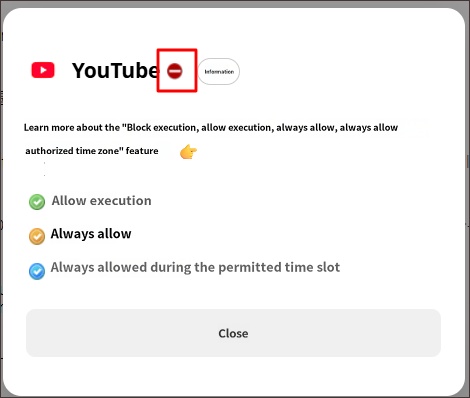
Allow Execution
Execution is allowed, but it is subject to rules such as [Daily time limits, Game blocking, Restricted time zones]. Leaving it as "Allow Execution" is the standard setting.
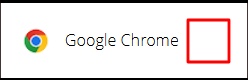
No icon next to the app
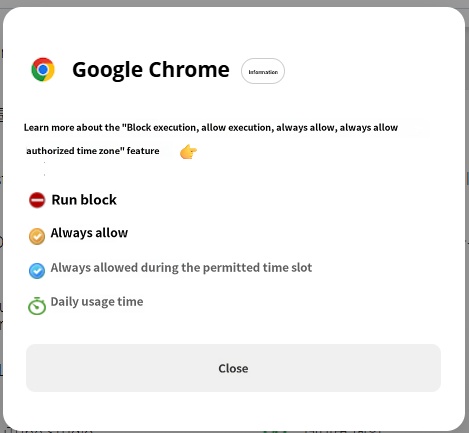
Always Allow
It is not controlled by any blocking conditions. As the name implies, this setting always allows the use of the app. When set to "Always Allow," the app is not subject to time limits and can be used even during restricted time zones, so apply this restrictively only to apps such as [Contacts, Messages, Calculator].

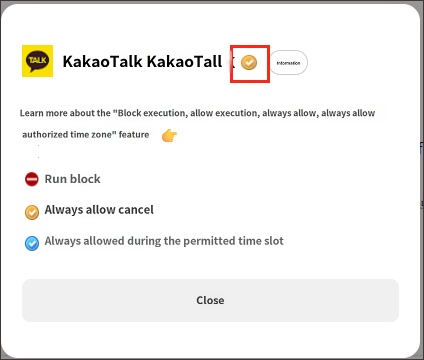
Always Allow During Permitted Time
Similar to "Always Allow," but it is blocked during "Restricted Time Zones." Check the following link for more details.
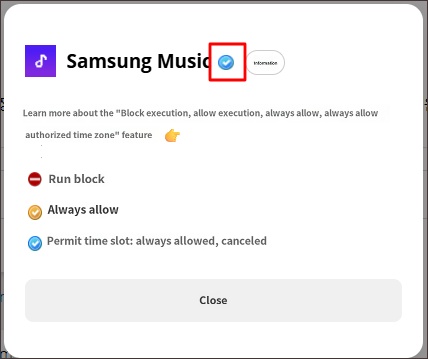
- In most cases, since you control your child's smartphone using daily device usage time and restricted time zone rules, it is standard to leave apps in the "Allow Execution" state. Please be careful when using "Always Allow/Always Allow During Permitted Time" as it allows unlimited use of the app.
- A "Block Dating/Chat Apps" feature is available in the Labs, and if you keep this feature turned on, you do not need to set blocks for these types of apps one by one.
► Related Items
- Characteristics of apps set to "Always Allow"
- Exceptions for "Always Allow" apps
- Characteristics of apps set to "Always Allow During Permitted Time"

