
뒤로
How to always allow calls/messages
Last updated :
If you set the "Contacts" app and the "Messages" app to "Always Allowed," you can use calling and texting features without restriction, regardless of any blocking conditions applied.
Policy Settings → Applications → App Restriction Usage → All Device Default Apps → 'Contacts (or Phone)' and 'Messages App' → Always Allowed
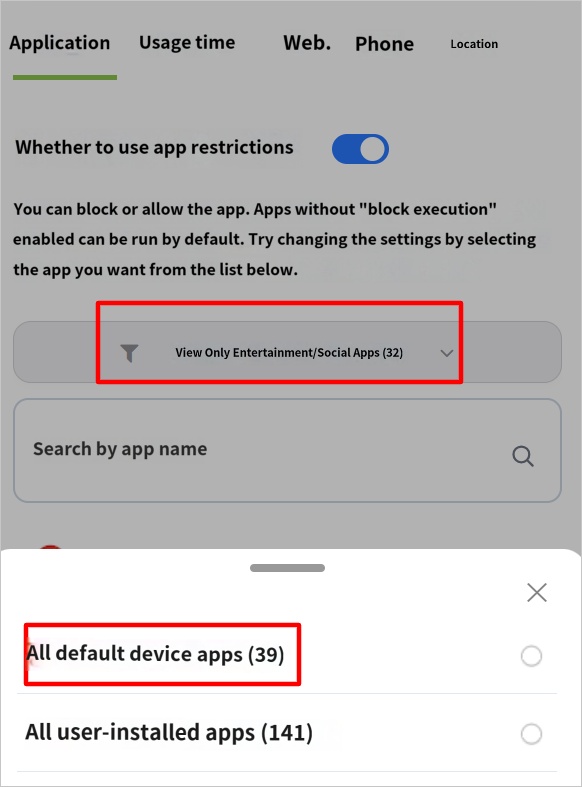
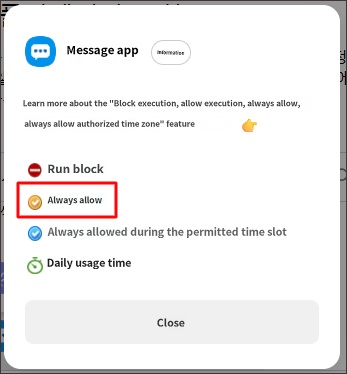
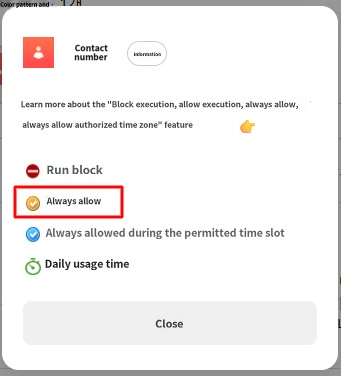
When the "Contacts" app is set to "Always Allowed," the setting to not block call features takes priority, so the "Block Incoming/Outgoing Calls" function will not work.

