뒤로
How to allow apps from unknown sources - Permanent permission
Last updated :
Permanently Allow 'Apps from Unknown Sources' (Until Manually Disabled)
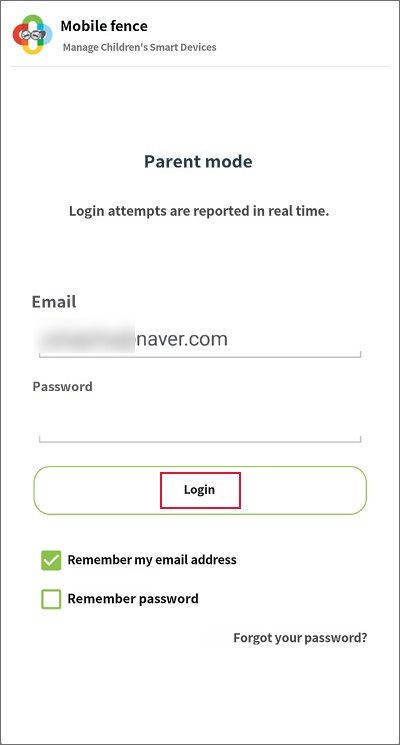
1) Mobile Fence app on the child's device → Log in
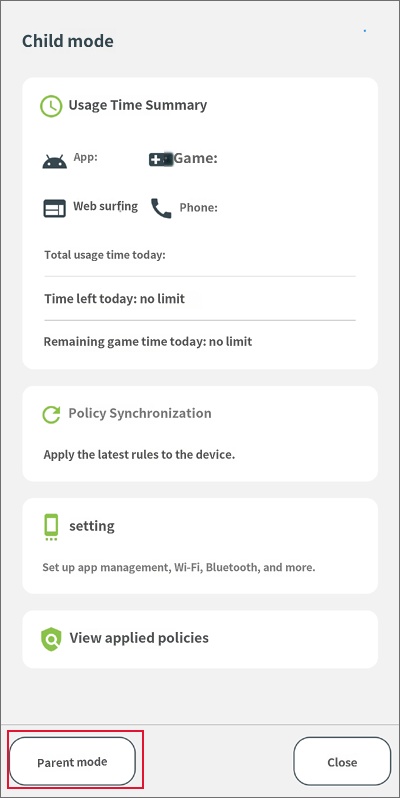
please tap 'Parent Mode' at the bottom left.
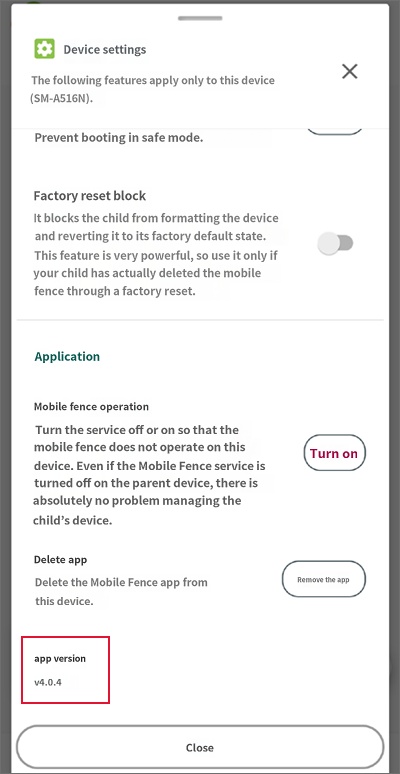
2) "Device Settings" → Tap "App Version" more than 10 times rapidly.
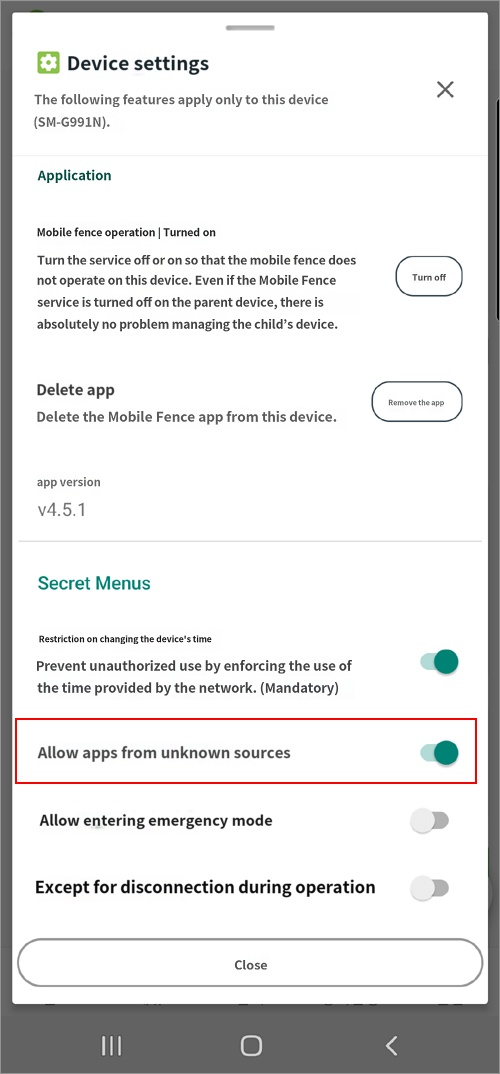
3) Device Feature Settings → Toggle "Allow apps from unknown sources" to ON.