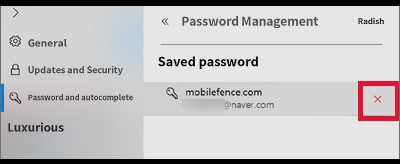
How to delete password information saved in a computer internet browser
How to delete password information saved in a computer internet browser
If you have ever logged in to Mobile Fence on a PC, your parent account information may be automatically saved on the computer. If your child is changing Mobile Fence rules to bypass controls, you must delete the passwords saved on the PC to prevent access to the Mobile Fence management screen.
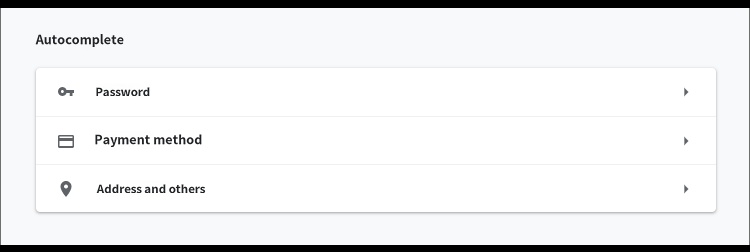
1) Chrome Browser → Menu in the top right → Settings → Autofill and passwords → Password Manager
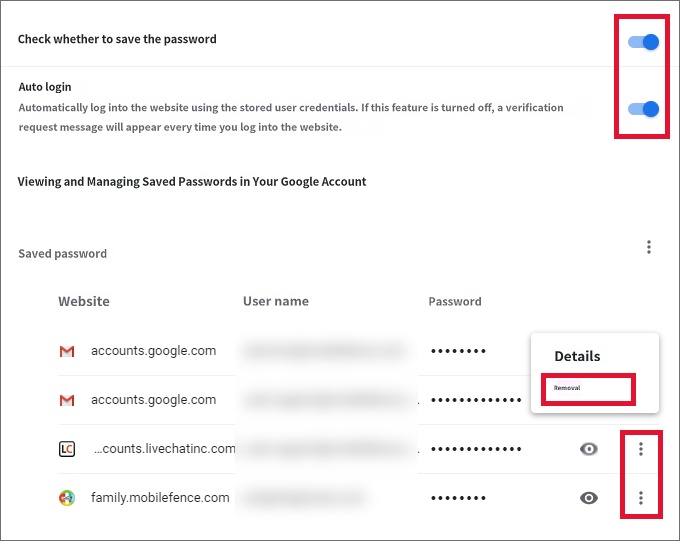
Disable both 'Offer to save passwords' and 'Auto Sign-in' settings at the bottom, and remove all saved passwords.
2) Internet Explorer (Edge) → Menu in the top right → Settings → Profiles → Passwords
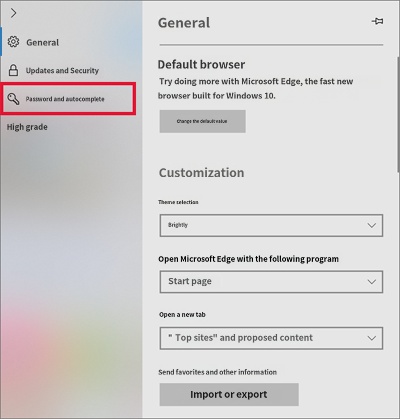
Turn off 'Offer to save passwords', 'Save form data', and 'Save cards' at the bottom.
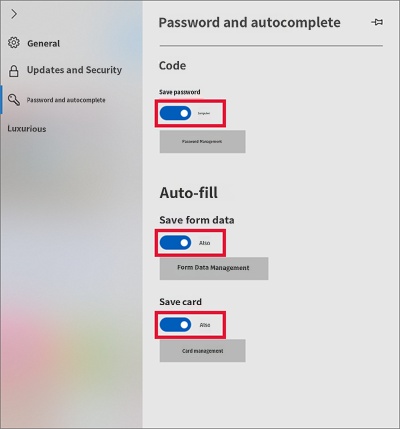
Click 'View passwords' or manage saved passwords to see the list of saved accounts and passwords, and delete them all.