뒤로
Blocking video pop-ups via Chrome
Last updated :
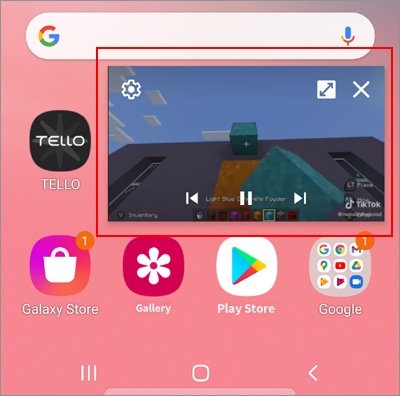
When watching videos on the Google Chrome browser, pressing the home button causes the video to play in a pop-up window as shown below. In this case, the app usage time is not calculated. You can configure the settings to prevent videos from playing in this pop-up format by following the steps below.
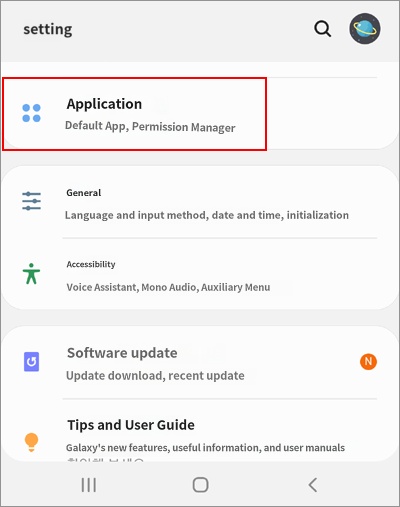
1. On the child's device, go to Settings → Applications
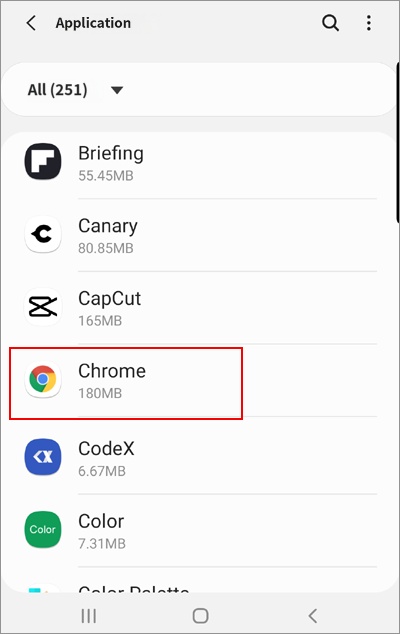
2. Click on Chrome
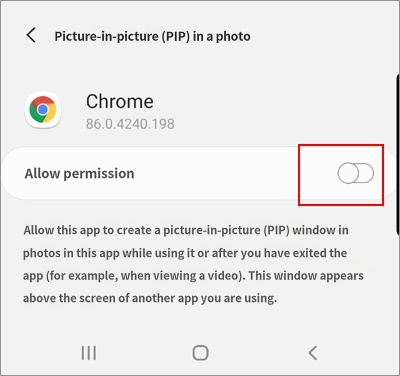
3. Picture-in-Picture (PIP)
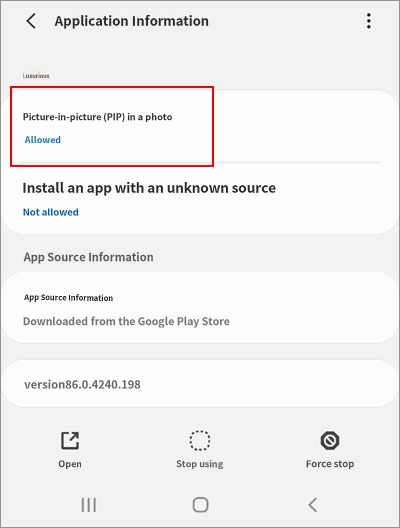
4. Allow permission → Turn off