뒤로
Disable Samsung Pass auto-login
Last updated :
To disable the 'Samsung Pass' auto-save feature on a Samsung device, follow the steps below.
You should perform this in the device's 'Settings' menu, not within the Mobile Fence app.
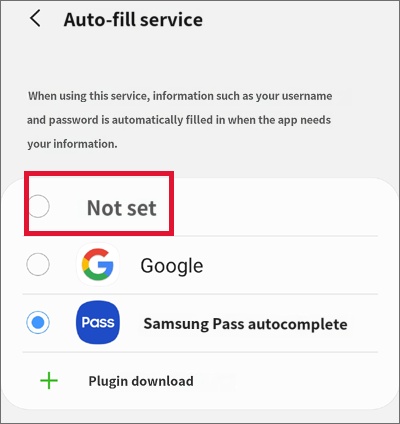
1) Settings → General management → Language and input → Autofill service → None
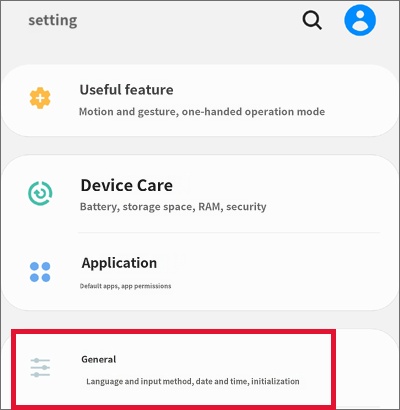
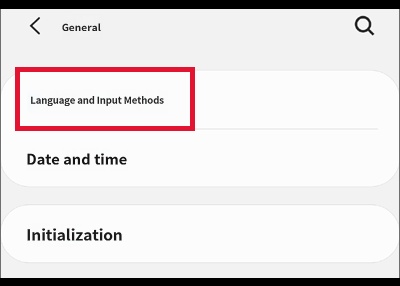
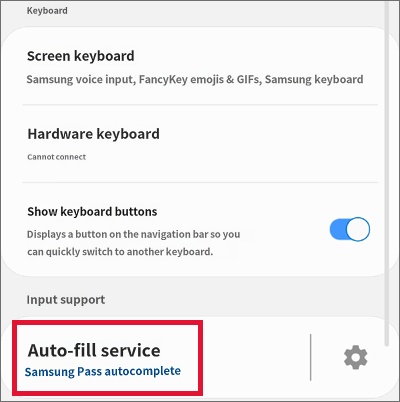
Change to 'None'
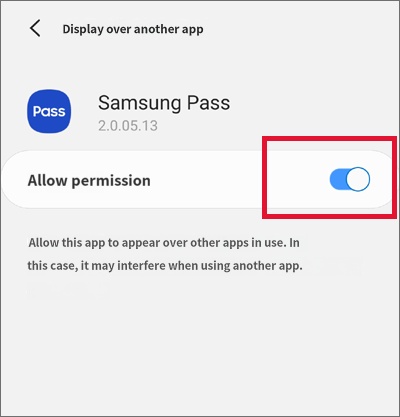
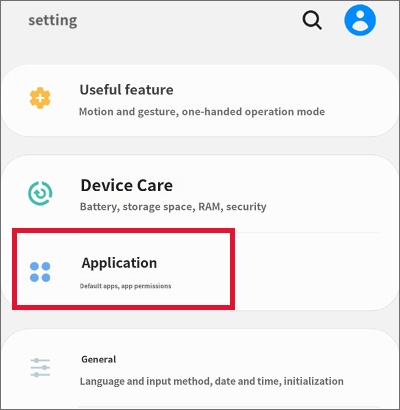
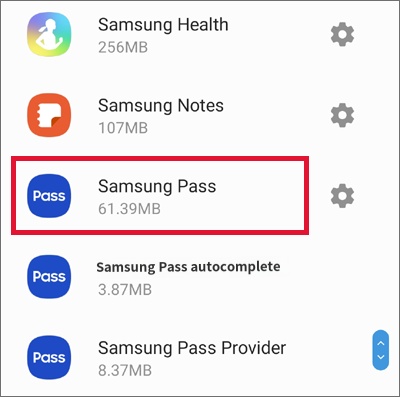
2) Settings → Apps → Samsung Pass → Disable + Turn off all granted permissions
Disable all items currently set to 'Allowed' under 'Permissions' and 'Appear on top'
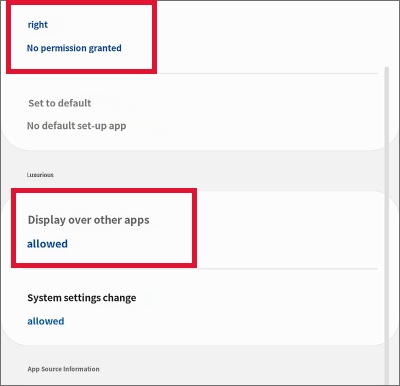
Permission allowed → Change the 'On' state to 'Off' to deactivate