
뒤로
Blocked by "MobileFence is still running"
Last updated :
In general, the Mobile Fence service is designed to load immediately after the device boots. However, on some device models, it may take up to 30 seconds for the service to fully load after booting. In these cases, the delayed startup of Mobile Fence may allow a child to access the settings menu and potentially disable or uninstall Mobile Fence permissions. To mitigate this issue, some device models are configured to block the use of all apps for 30–40 seconds after the device boots.
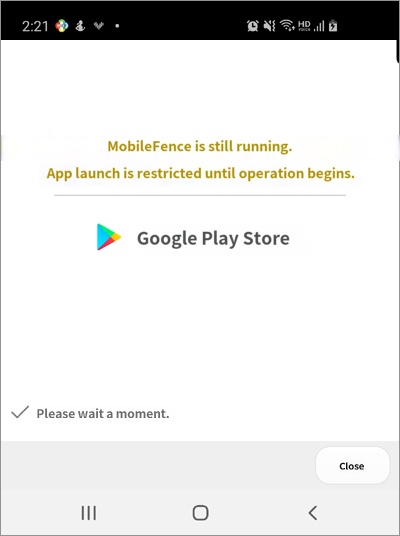
• If this "Starting..." block occurs frequently even without restarting the device, it indicates that the Mobile Fence service is being repeatedly stopped and restarted due to system optimization. You must configure the settings so that Mobile Fence is excluded from battery optimization.
For instructions on how to configure this setting, please refer to "How to Prevent Battery Optimization for Mobile Fence."
• Devices linked to a parent profile are excluded from this measure.
For instructions on how to configure this setting, please refer to "How to Prevent Battery Optimization for Mobile Fence."
• Devices linked to a parent profile are excluded from this measure.

