
뒤로
Disable as the default app in A.phone (formerly T.phone)
Last updated :
To disable T Phone as the default phone app, follow these steps:
Device Settings → Applications → Default apps → Phone app → Select Phone (System default)
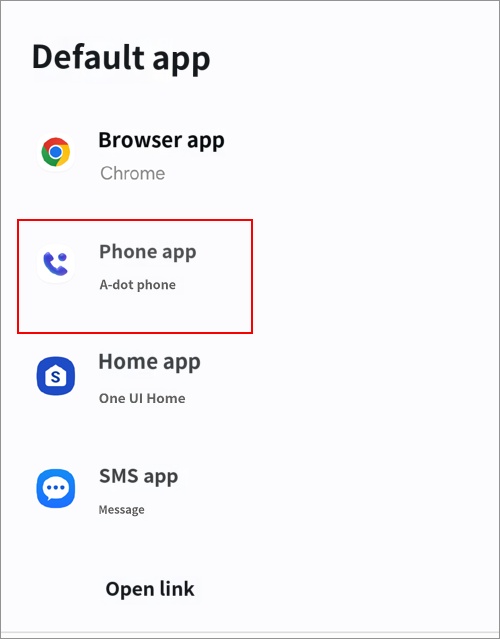
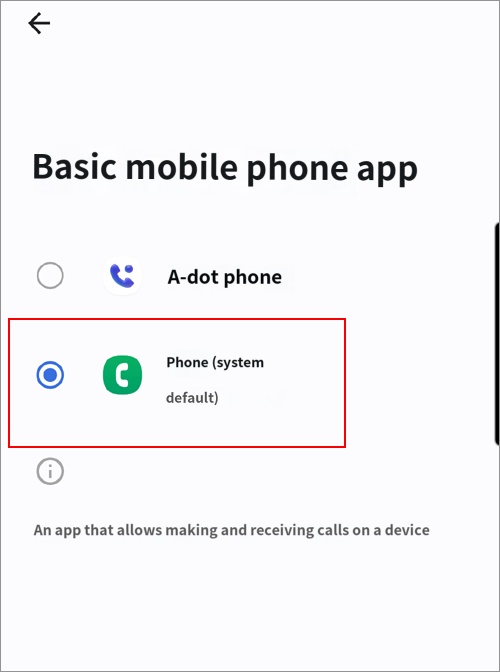
Afterward, please configure the settings to block A. Phone to prevent it from being used.

