
뒤로
VPN (overseas server bypass) blocking
Last updated :
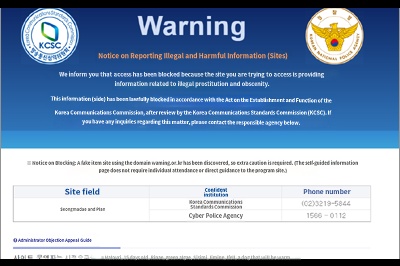
To prevent children from accessing harmful websites, the National Police Agency and various telecommunications companies are collaborating to block access (Figure 1). However, it is possible to bypass these restrictions by connecting through overseas servers (Figure 2). These programs are known as VPNs, and the "VPN Block" feature in Mobile Fence is designed to block them.
How to set up VPN blocking
1. Delete all items visible in the [Settings → Connections → More connection settings → VPN] menu on the child's device.
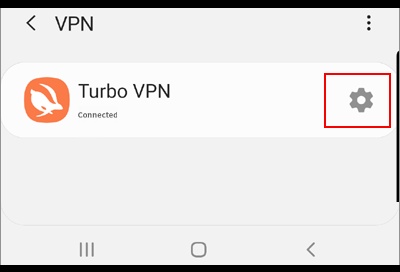
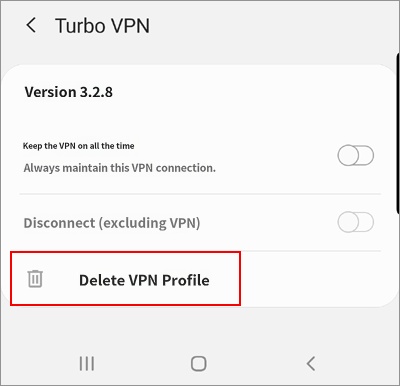
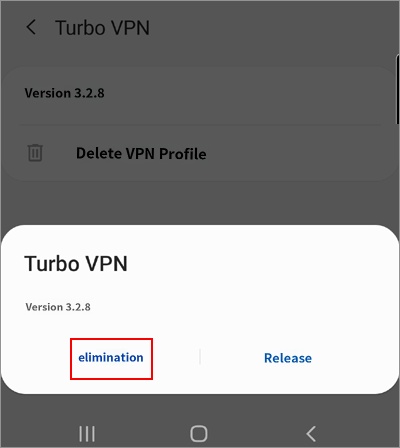
2. [Rules → Useful Features → VPN Block → On]
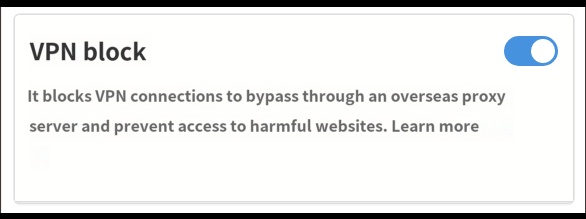
3. Done. Now, if your child attempts to connect to a VPN, it will be blocked as shown below.
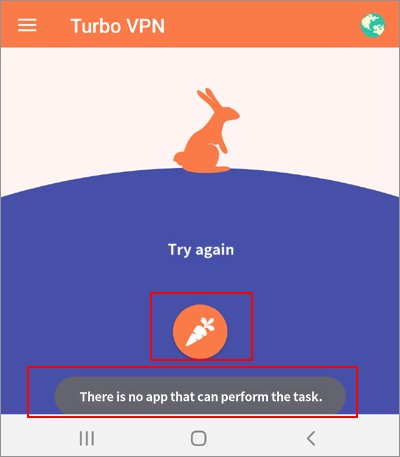
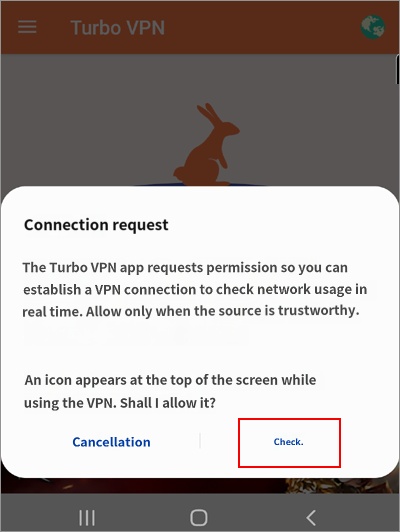
This feature is supported from Mobile Fence app version v2.9.9.1. Please check if the Mobile Fence installed on the child's device is the latest version and update it if necessary.

